Let me start with a confession.
I've been writing about tech for years. And until about three months ago, I couldn't give you a straight answer about what an "AI agent" actually is.
I'd hear the term at conferences. I'd see it in press releases. Everyone seemed to know what it meant. But when I really stopped to think—like, really think—I realized I had no idea.
Is it a chatbot with extra steps?
Is it a robot that clicks buttons for you?
Is it just a fancy word for "automation"?
After spending way too many hours digging into this, I finally have answers. And I'm going to share them with you in the most honest way I can.
No corporate jargon. No hype. Just what actually works, what doesn't, and why you should care.
What Are AI Agents? (The Simple Explanation)
Okay, forget the textbooks for a second.
Here's the simplest way I can put it:
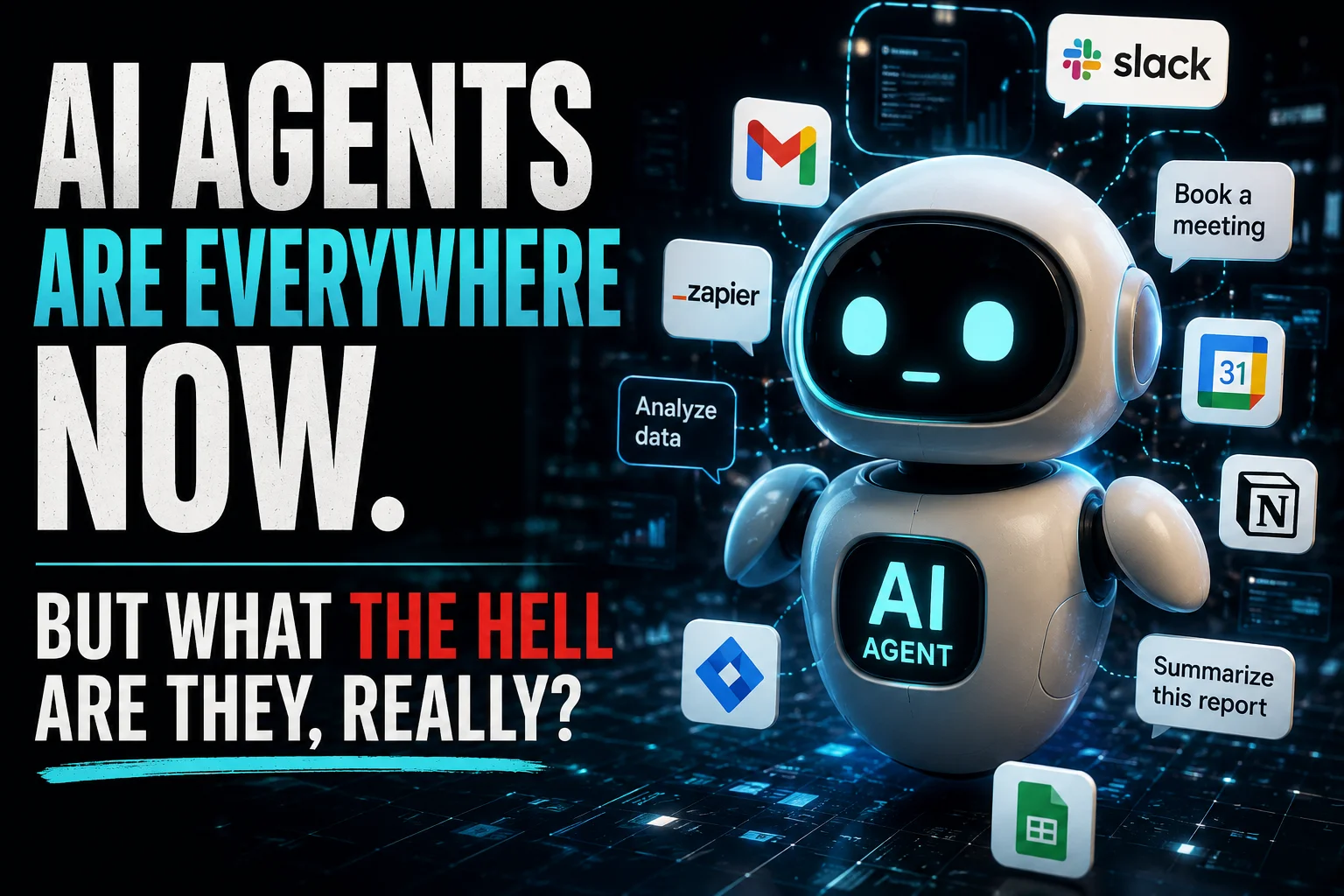
An AI agent is a digital worker that doesn't just talk—it does.
A regular chatbot like the old ChatGPT? You ask it a question, it gives you an answer. That's it. Conversation over.
An AI agent? You give it a goal. Something like: "Book me a flight to Chicago next Tuesday that's under $300 and leaves after 2 PM."
And then the agent goes off and actually does it.
It searches flights. Compares prices. Checks departure times. Maybe even opens your email to send you a confirmation. All without you holding its hand.
That's the difference.
Chatbots are talkers. Agents are doers.
A Real-Life Example So You Actually Get It
Let me paint a picture.
Say you're planning dinner with friends.
A chatbot will give you recipe ideas. Maybe a shopping list. Cute. Helpful. But that's where it stops.
An AI agent, though? You tell it: "Plan a vegetarian dinner for six people on Saturday. Budget is $80. No mushrooms because Sarah hates them."
And then the agent:
-
Finds recipes that fit
-
Creates a shopping list
-
Compares prices across three grocery delivery apps
-
Places the order
-
Schedules delivery for Saturday morning
-
Adds the event to your calendar
-
Texts your friends the menu so they can complain about it in advance
That's not science fiction. That's happening right now. Right this second. With tools that you can actually use.
The Best AI Agents for Productivity in 2026
I've tested a bunch of these things. Some are brilliant. Some are glorified timers. Here are the ones that actually save me time.
1. Google's Project Mariner (The Browser Boss)
This one just dropped a few weeks ago, and it's already changing how I work.
Mariner lives inside your Chrome browser. You give it a task—"Find me five freelance graphic designers on Upwork who have done restaurant branding before"—and it starts clicking around. It scrolls. It reads profiles. It compares portfolios. It even sends messages.
What's wild is watching it work. You see your cursor moving on its own, opening tabs, closing them, navigating like a ghost. It's creepy at first. Then it's amazing.
Best for: Research, data entry, repetitive browser tasks.
2. AutoGPT (The Original Hustler)
AutoGPT has been around longer than most. It's open-source, which means it's a little janky sometimes. But when it works? Holy cow.
You give it a goal—"Grow my Twitter following by 500 real people in a week"—and it breaks that down into steps. Then it executes those steps. Then it checks its own work. Then it makes new steps based on what it learned.
It's like having an intern who never sleeps and doesn't complain about coffee runs.
Best for: Complex, multi-step projects where you don't want to micromanage.
3. Microsoft Copilot (The Office Worker's Best Friend)
If you live in Outlook, Excel, and Teams, this is your agent.
Copilot doesn't just summarize your emails. It drafts replies. It schedules meetings without the back-and-forth. It pulls data from three different spreadsheets and builds a presentation while you're in another meeting.
The creepy part? It learns your writing style. After a few weeks, I couldn't tell which emails I wrote and which Copilot wrote.
Best for: Office work. Spreadsheets. Email hell.
4. Claude 4 (The One That Actually Understands Context)
Claude is my favorite for writing and reasoning. Its new agent features let it browse the web, read PDFs, and even use tools like calculators or APIs.
But here's what makes it special: It remembers what you talked about an hour ago. Most agents have the memory of a goldfish. Claude actually follows a conversation.
I gave it a messy research folder with 20 PDFs and said, "Summarize the key findings and email them to my team." It did it in four minutes. That would have taken me an afternoon.
Best for: Research synthesis, document analysis, long-form writing.
The Million-Dollar Question: Can AI Agents Replace Employees?
This is the question everyone asks. And the answer is messier than you think.
The Short Answer
No. Not yet. Not completely.
The Long Answer
They can replace tasks. Not entire jobs. At least not for now.
Let me explain.
A graphic designer doesn't just "design." They talk to clients. They interpret vague feedback. They understand brand voice. They make creative leaps that don't follow rules.
An AI agent can generate a hundred logo options in ten seconds. That's a task.
But can it sit on a Zoom call with a nervous client who says, "I don't know what I want, but this isn't it"? No.
Can it understand that the client's wife doesn't like the color blue because it reminds her of her ex-husband's car? Absolutely not.
So here's what's actually happening in 2026:
Companies aren't firing people because of AI agents. They're reorganizing.
One person with three AI agents is doing the work that five people did two years ago.
That means fewer entry-level jobs. Fewer "data monkey" roles. Fewer positions that were just about moving information from one spreadsheet to another.
But it also means more jobs for people who can manage agents. Who can ask the right questions. Who can spot when an agent is making a dumb mistake.
The employee of the future isn't competing with AI. They're collaborating with it.
The Jobs Most at Risk
I'm not going to sugarcoat this. Some roles are in trouble.
-
Data entry clerks – Agents are faster and never get carpal tunnel.
-
Basic customer support – Agents handle 80% of common questions without escalation.
-
Scheduling assistants – Why pay someone to manage a calendar when an agent does it perfectly?
-
Junior researchers – An agent can summarize 200 articles in the time it takes a human to read five.
The Jobs That Are Safe
-
Therapists and counselors – No agent can replace human empathy. Not really.
-
Skilled trades – Plumbers, electricians, carpenters. Robots aren't fixing your leaky sink anytime soon.
-
Creative strategists – Agents generate ideas. Humans decide which ideas don't suck.
-
Managers who actually lead – Agents don't inspire teams. They don't resolve conflict. They don't mentor.
Google's New AI Agent Features Explained (No Jargon, I Promise)
Google just announced a bunch of agent stuff at I/O 2026. I watched the keynote so you don't have to. Here's what actually matters.
1. Agentic Search
Regular Google Search gives you links. Agentic Search gives you done.
Example: You search "plan a 3-day hiking trip in Colorado with no camping."
Old Google: Links to blogs, campgrounds, gear lists. You figure it out.
New Google Agent: It books the Airbnbs. It reserves the trail permits. It checks the weather for each day and suggests packing lists. It adds everything to your calendar. It even checks if your hiking boots are in stock at a local REI.
It's like having a travel agent who works for free and never sleeps.
2. Gemini Live with Screen Action
This one is wild.
You're on a website. Maybe it's a form. Maybe it's a checkout page. You say, "Hey Gemini, fill this out with my info."
And it does.
It reads the screen. It finds the fields. It types your name, address, credit card—whatever you've allowed. No copying and pasting. No autofill extensions that break half the time.
I used it to sign up for three newsletters (don't judge me) and it worked perfectly every time.
3. Deep Research Agent
This is for people who actually do research.
You give the agent a question—"What are the main arguments against universal basic income?"—and it spends 10–15 minutes digging.
It reads academic papers. It watches YouTube videos. It finds credible opinion pieces. Then it synthesizes everything into a report with citations, quotes, and a summary that actually makes sense.
It's like having a PhD student who works for exposure. (Too soon?)
The Downsides Nobody Talks About
I've been pretty positive so far. But let me get real for a second.
AI agents have problems. Big ones.
They Make Dumb Mistakes Confidently
An agent will book a flight to Chicago for next Tuesday. But if the calendar says "Tuesday" but the date is wrong? It won't catch that. It just does what you asked.
And it will do the wrong thing with 100% confidence. No hesitation. No "are you sure?"
They Cost Money
The good agents aren't free. AutoGPT is open-source but requires technical know-how. Copilot costs 30/month.ThenewGoogleagentstuffisbundledintoa30/month.ThenewGoogleagentstuffisbundledintoa20–$40 subscription.
For an individual, that adds up. For a company of 500 people? That's serious money.
Privacy Is a Nightmare
Let's be honest.
When an agent has access to your email, your calendar, your browser history, your documents—that's a lot of trust.
And we've seen how companies handle data. Not great.
Google says your data isn't used for training. Microsoft says similar things. But after a decade of tech scandals, forgive me if I'm not jumping for joy.
They Don't Understand "No"
Here's something I noticed.
If you give an agent a bad goal—"Find me the cheapest flight even if it's a 14-hour layover in a city I hate"—it just does it. It doesn't push back. It doesn't say, "Hey, are you sure? That sounds miserable."
Humans do that. Good assistants do that. Agents don't.
So you have to be careful. Garbage in, garbage out. But faster.
How to Start Using AI Agents Today (Without Losing Your Mind)
If you're overwhelmed, I get it. Start small.
Step 1: Pick one task you hate.
Something repetitive. Something you do every week. Booking meetings. Sorting emails. Finding research.
Step 2: Try a free or cheap agent.
Google's agent features are rolling out slowly. If you don't have access, try AutoGPT (free but technical) or a trial of Copilot.
Step 3: Watch it work.
Seriously. Just observe. Don't jump in to correct it yet. See what it does well. See what it messes up.
Step 4: Adjust.
Give it better instructions. Break big tasks into smaller ones. Add constraints: "Only flights after 2 PM." "No mushrooms." "Don't email my boss before 9 AM."
Step 5: Scale up.
Once you trust it with one task, add another. Then another. Before you know it, you've bought back hours of your week.
Final Thoughts (From Someone Who Uses These Every Day)
Look, I'm not here to tell you AI agents will save the world or destroy it.
They're tools. Good ones. Imperfect ones.
They'll make you faster. They'll also make mistakes that make you want to throw your laptop out a window.
The trick isn't to trust them blindly. The trick is to learn their rhythms. Their blind spots. Their weird little quirks.
Treat an AI agent like a brilliant but slightly clueless intern.
Give clear instructions.
Check its work.
And never, ever assume it understands sarcasm.
Do that, and you'll be fine.
Do that, and you might just find yourself wondering how you ever worked without one.